 Director
THE DIRECTOR FIELD GUIDE 04
Reviewing updates
See the release you’re moving to. Choose the changes you actually want.
Start with a preview
Open Maintenance → Check for Updates… in the toolbar. Director checks tools defined in global configuration. This is a review of global tools, rather than a project-by-project upgrade operation.
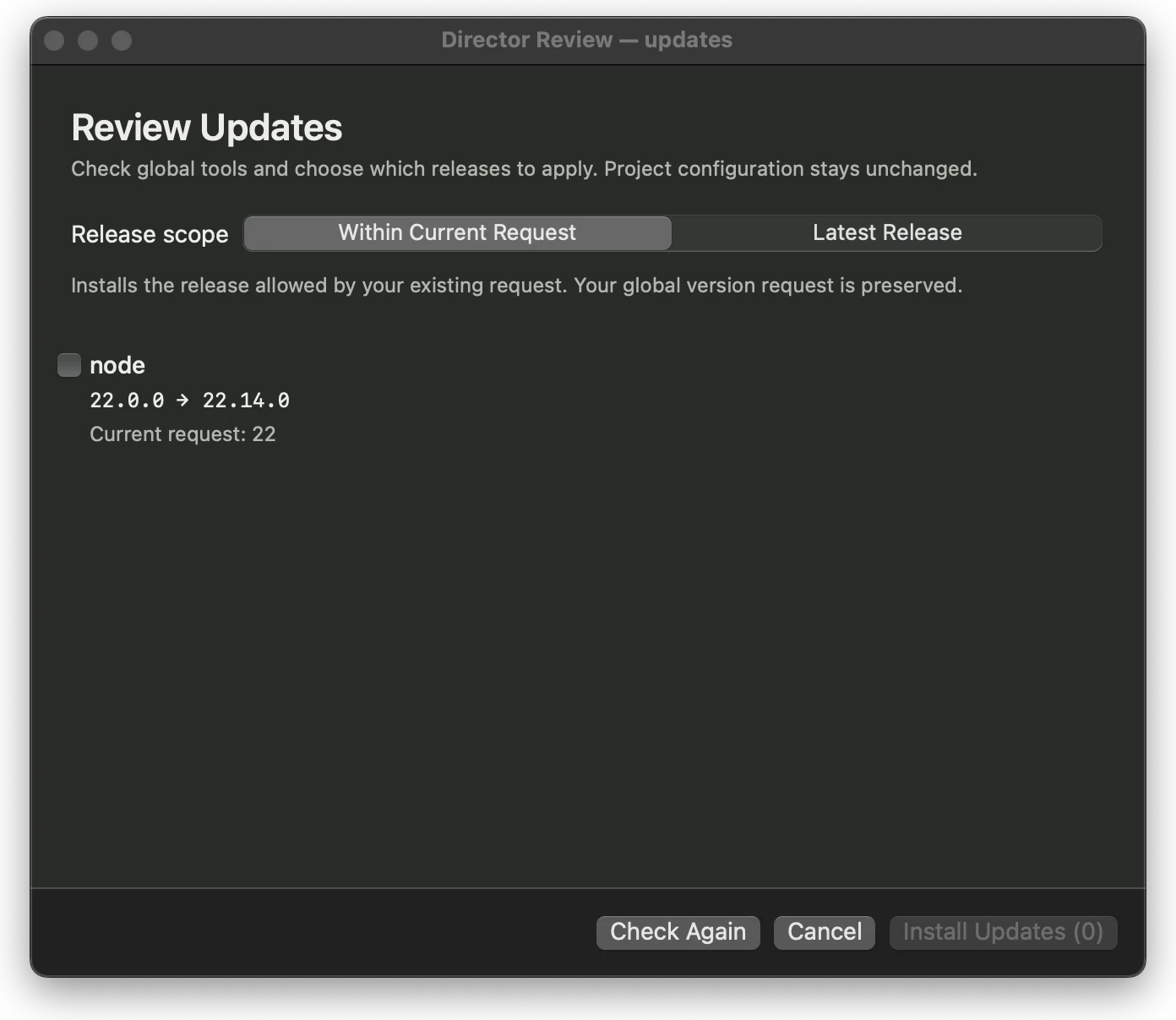
Each result shows the current resolved version, proposed release, and existing request. Nothing is selected automatically. Select individual tools to apply only the updates you want.
Within Current Request
This is the default scope. Director asks mise for the newest release allowed by the existing global request.
For example, a request for 22 can offer a newer 22.x release. An exact pin may have no newer allowed release. Director installs the exact proposed release and preserves your global request.
A latest request can already allow a newer major release. “Within Current Request” means within your configured request, not necessarily within the same major version.
Latest Release
This scope compares against the newest release overall. It can cross major versions.
Set Global installs and selects the exact release shown as the global default. It replaces the existing global request with that exact version, rather than writing mise’s suggested broad bump range. The preview explains this before you apply it.
Project configuration is not edited. A project inheriting global defaults can still observe the new global version.
Apply your selection
Director rechecks the proposed updates before running commands. If the release information or current state has changed, it asks you to review the list again. Use Check Again to fetch a new preview.
A batch runs in sequence and stops at the first failure. Earlier successful steps remain applied. Open Recent Activity to see which commands completed and which failed.
Previous releases are not automatically removed by this flow. Use a separate cleanup review when you want to consider removing them.